Join a compatible 1.2 beta session
- Have the crew use the same Steam branch. Check the session list for Standard or Sandbox.
- Select a profile of the matching type. Standard and Expert saves count as the same session profile type. Use a Sandbox profile for a Sandbox session.
- If the game reports an incompatible or unidentified profile, return to profile selection and compare it with the session listing before retrying.
- Choose the vessel handling before starting. Everyone uses the host's handling setting, and it is locked while the session is active. If you want a different setting, decide it before starting the next session.
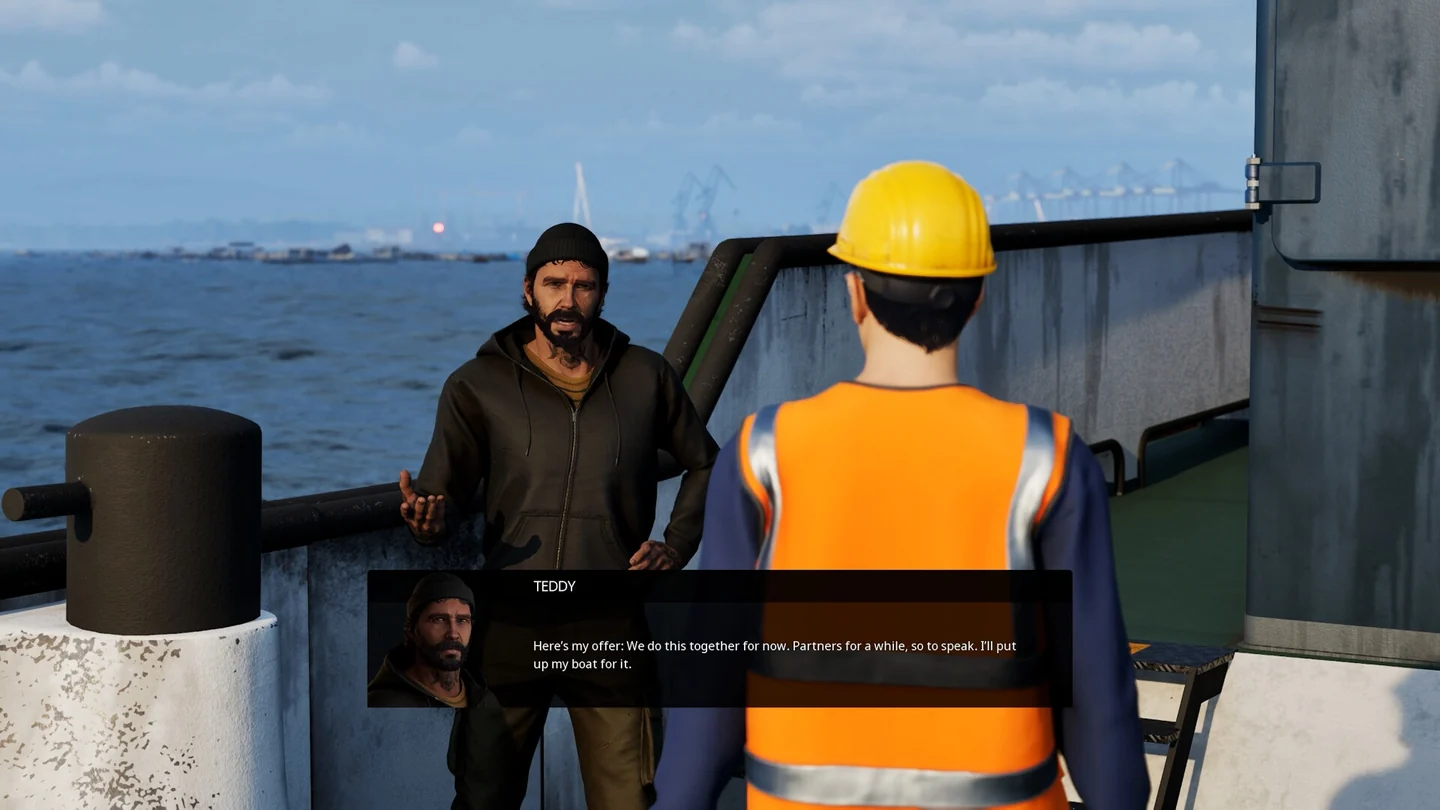
For supported cargo jobs, the host selects the stages. Tell the crew which harbour, shifts and voyage you selected before accepting. The Job Log's single-player Finish Early option and improved active-shift resume do not extend to multiplayer. 1.2 Open Beta announcement
Divide the work aboard
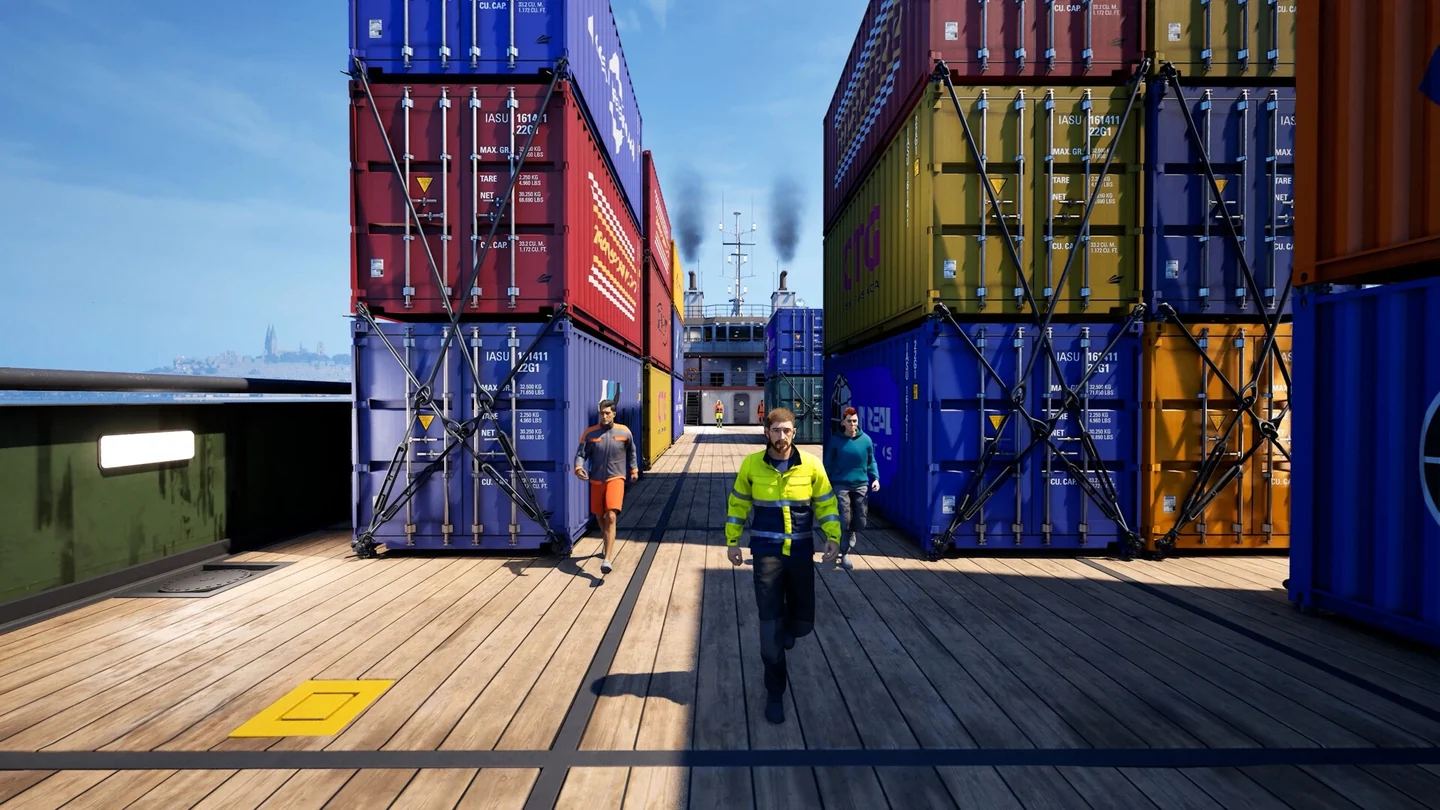
- Before departure: agree who will navigate, who will use the active tool and who will watch the objective. Check the vessel and cargo category in the job brief.
- During a patrol inspection: name the variant and target vessel. Let one player finish the active check, then have the host read the next objective. Inspection sequence
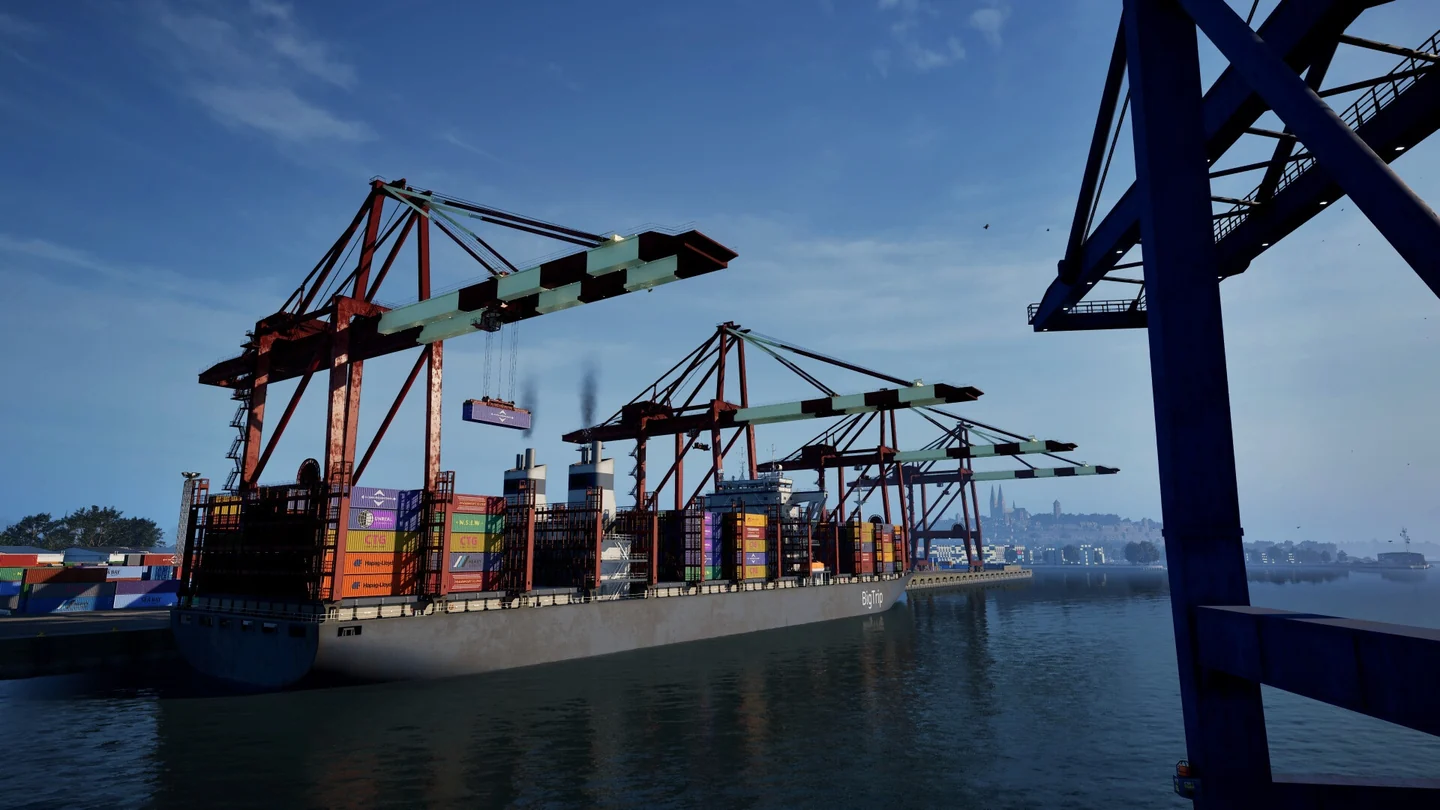
- If a client joins during a harbour task: compare the vessel position and objective on the host and client screens before repeating a tow or berth request. Harbour services
- At the end: have the host and clients compare their results before closing the session. Review which shifts you took on and completed. Cargo rewards