Request the right harbour service
- Read the current objective and check whether it asks for a berth or a different harbour operation.
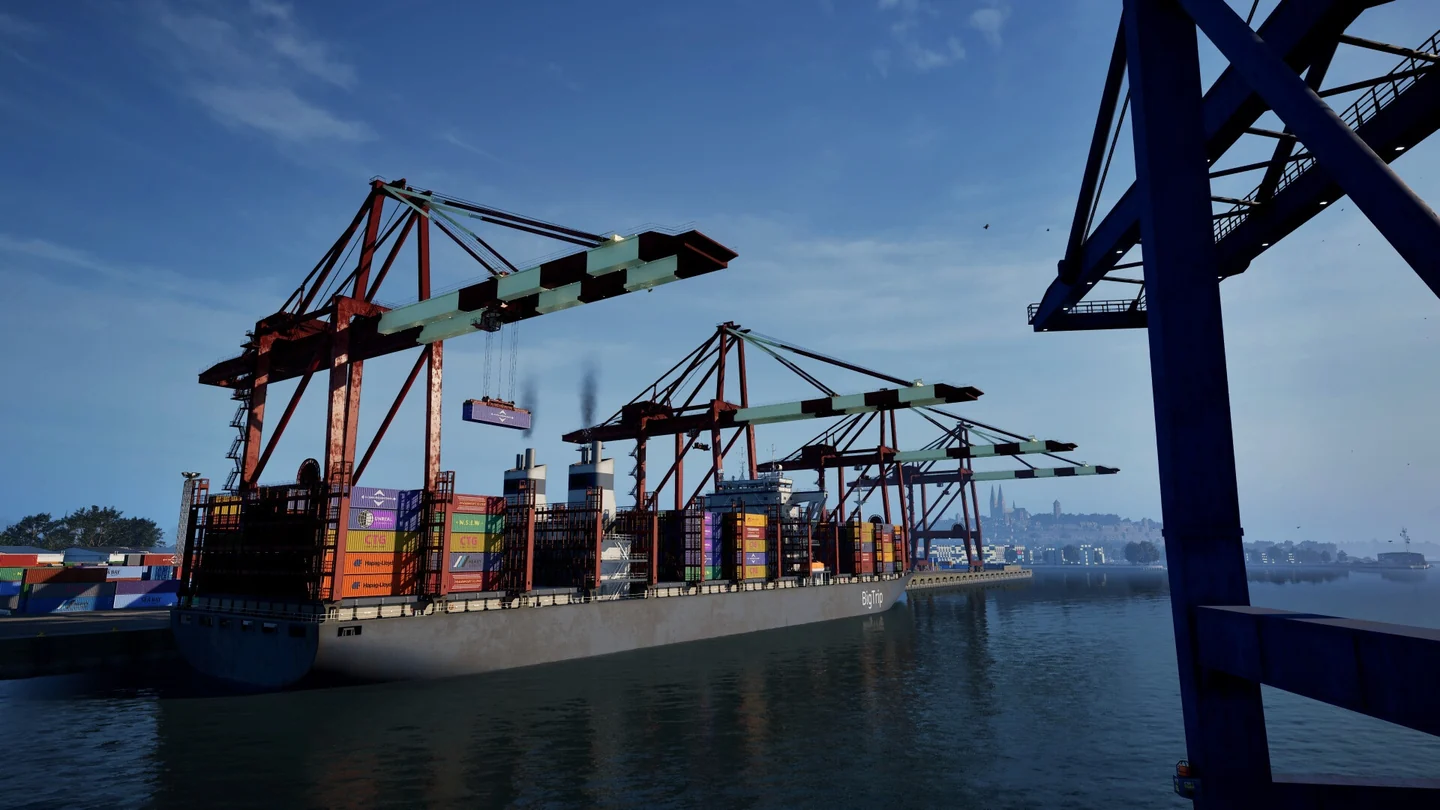
- Open the radio while entering the harbour and choose Enquire Mooring to request a docking slot. Follow the assigned marker or the next prompt to complete the approach.
- If the vessel needs a tow, choose the Towing Service destination that matches the move you need. Check the destination and any quoted fee before accepting.
- After moving, check whether the objective advanced before making another radio request. In co-op, compare the host and client vessel states if they disagree.
On default Patch 1.1, use the harbour fast-travel buttons for a trip between ports. Fast travel within harbour areas is disabled. For Parking Spot at Greenstar, the September 24 hotfix corrected its crash, dock tag and spawn locations. Official update history
Choose handling in the Steam 1.2 Open Beta
| Handling setting | What changes |
|---|---|
| Arcade | Faster engine response and larger speed gains from upgrades. |
| Balanced | Intermediate response and speed gains. |
| Expert | Response varies by vessel, speed gains are more restrained and some vessels steer more calmly underway. |
Expert handling is a setting separate from Expert career mode. Try one setting on a familiar approach before changing your controller's steering and throttle dead zones. In a crew session, the host's handling applies to everyone and is fixed for that session.
In the beta, towing and docking service fees take vessel length into account. Compare the quote for the actual vessel, even if you used the same harbour service before. 1.2 Open Beta announcement