Work through the checks in order
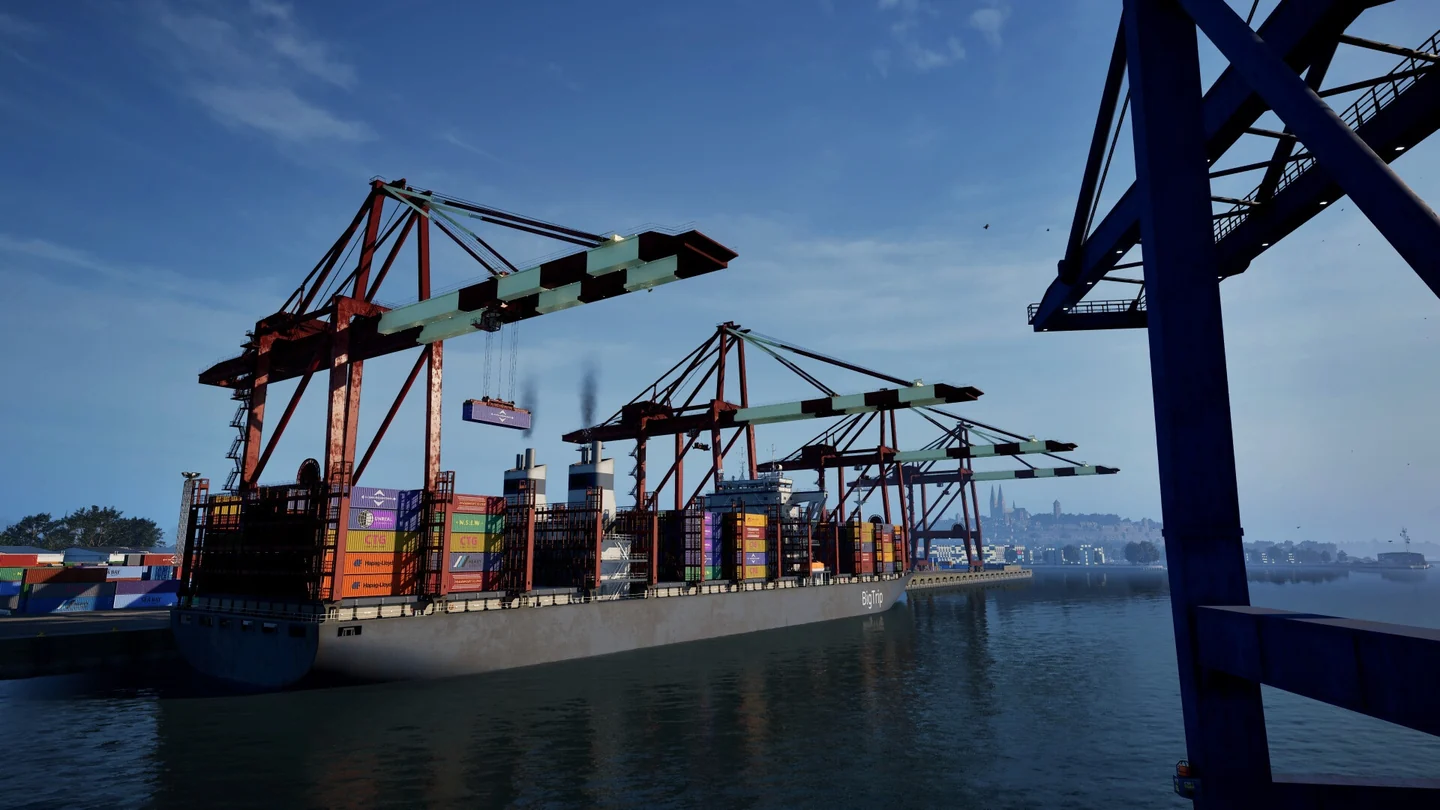
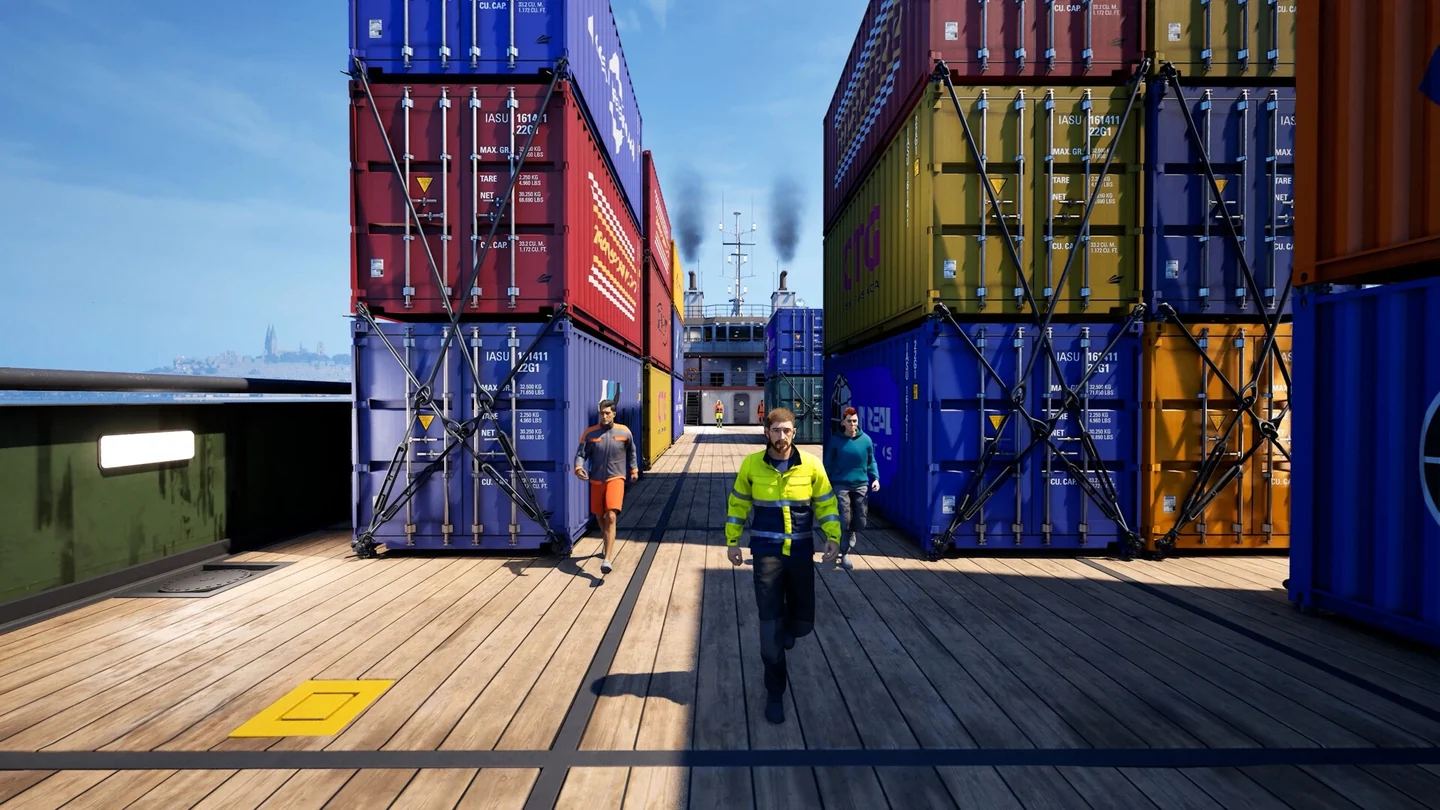
- Identify the target vessel and the inspection variant before boarding or using an interaction.
- Read the requested check. The mission can ask about documents, technical condition, crew or safety. Complete the active check and wait for the objective to advance.
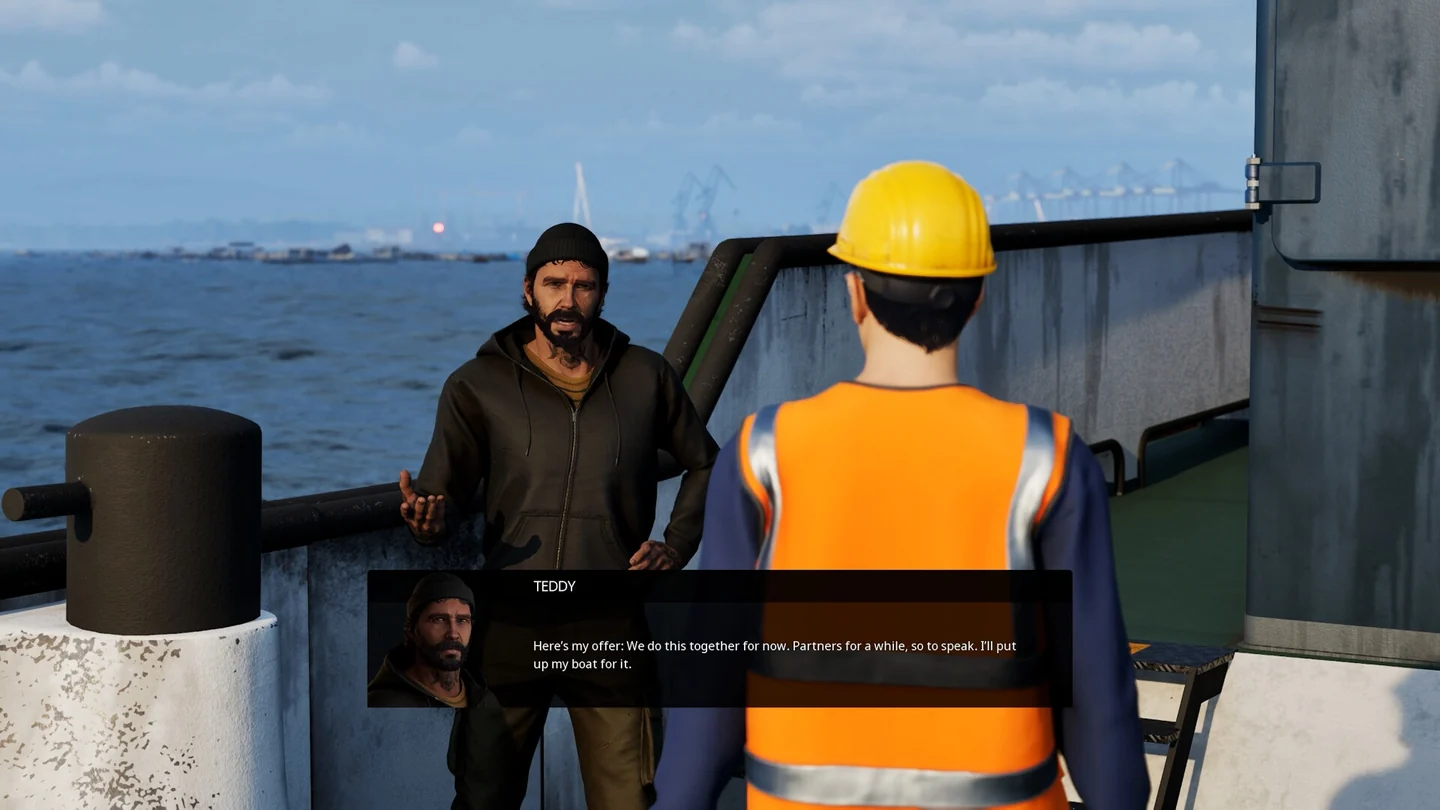
- In co-op, have one player carry out the current check while the host watches the objective. Compare the host and client state if one screen appears stalled.
- Review the inspection results before leaving the mission. Read what the game recorded for the vessel and check whether the next patrol objective opened.
Resume or troubleshoot an inspection
- A check fails to advance: return to the objective and verify the target, variant and document or equipment it names.
- After reloading: read the current variant, crew and objective before repeating a check. The Steam 1.2 Open Beta repairs restoration of crew and inspection state and adds missing saved inspection scoring data.
- A successful inspection did not appear in statistics: 1.2 adds recording for successful inspections. Check your branch and the results screen first.
- Host and client disagree: compare the two result screens. If the mismatch persists, report the vessel, variant and visible objective through the in-game bug report.