Join or leave the Steam 1.2 Open Beta
- Open Steam Library, right-click Seafarer: The Ship Sim and choose Properties.
- Open Betas and choose the Open Beta branch. Let Steam finish downloading the build before launching.
- Start the session in the mode you want to play. If you want the default release again, return to Betas, select None and wait for Steam to update.
Version 1.2 is an experimental Steam build. The default release remains Patch 1.1. 1.2 Open Beta announcement
Pick the kind of first voyage you want
| Goal | Start with |
|---|---|
| Learn a job with a clear brief | Choose an available tutorial or a short harbour job and follow its objective from departure to results. |
| Follow the campaign | Start Story mode. Campaign missions can advance your Reputation. |
| Replay a mission you completed alone | Use Quickplay for eligible campaign and special missions. Complete the mission in single-player first. |
| Access regular harbours and offers without their usual Reputation gate | Choose Sandbox in Steam 1.2 Open Beta. You still pay for ships, upgrades and crew. |
Leave port with a clear objective
- Read the job brief and identify the assigned vessel. For cargo, check the cargo type and the harbour schedule before accepting.
- Follow one objective at a time and confirm it updates before moving to another interaction. Reaching the marker can be a travel step before the actual job begins.
- On approach, open the radio and use Enquire Mooring if you need a berth. Check Docking and Towing if you need a tow to a parking slot.
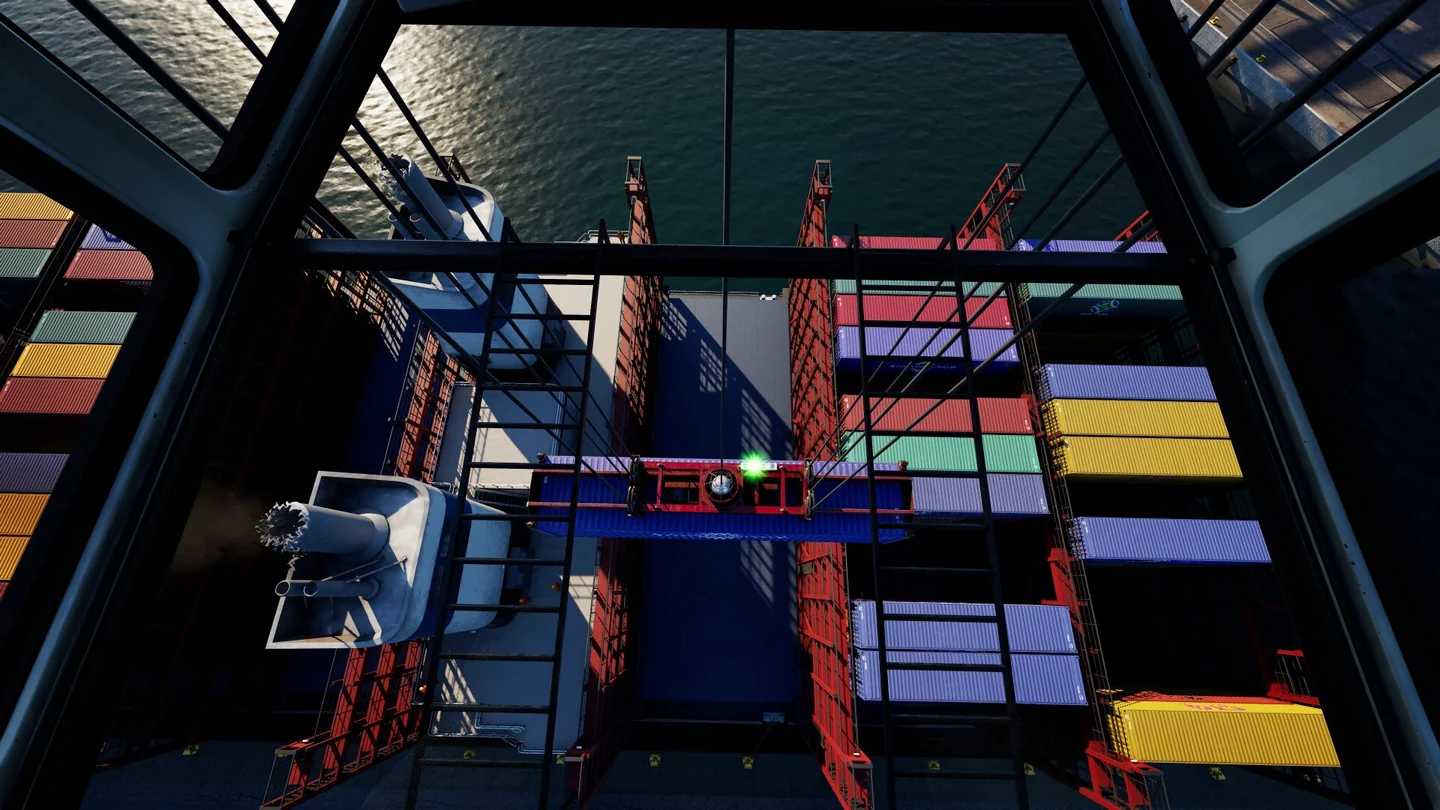
- Review the results before moving to another job. In 1.2 the cargo results can show how many containers or bucket loads you handled yourself. Cargo job choices
For unlocks, see Career and Reputation. For a shared voyage, check Co-op Crew before anyone starts a profile.